Hi. I’m using a form with several drop down menus. I’m already using dynamic filters to narrow down the available options for the user. However, there are still too many options and it’s confusing. Of the many options there are, there are a few which are the most common/preferred options. How can I indicate that in the drop down menu to make it easier for users to select the right option?
I’m thinking I could maybe add a field in the lookup table and mark some records are ¨preferred¨ and then add a dynamic filter to only show those, but I’m wondering if there’s a better way of doing this. The downside of my solution is that the non preferred options wound not even be available, whereas what I want is that they are available but less visible than the preferred options.
Do you have a solution to narrow down the options in a drop down menu or to display the preferred options in a more prominent way?
Hello @jordi.turro
have you thought of using the method of “having a small pop-up message” appearing when the user is going to input his/her choice via the drop down list? A small pop-up message that says smth about the most common/preferred options.???
How about adding a checkbox that lets users choose whether to view only the preferred options? Here’s how you can set it up:
1. On the source sheet
Add a free text field to indicate whether a record is a preferred option.
Make sure to use a free text field (not a checkbox field), so that the dynamic filtering can still return all records when no preference is selected.
For example, you can type "Preferred" in this field for any record you want to mark as preferred.
2. On the destination sheet (where you’ve set up Link & Load from the source sheet), add the following:
A checkbox field — lets users choose whether to show only preferred options.
A free text field with a conditional formula IF() — the formula should be:
→ If the checkbox is checked, return "Preferred"
→ If not, return a blank value ""
3. Set up dynamic filtering
In the link field settings, configure it to only show records where the preferred value in the source sheet includes the value from the conditional field in step 2.
This way:
When the box is checked → only preferred options are shown.
When it’s unchecked → all options are shown.
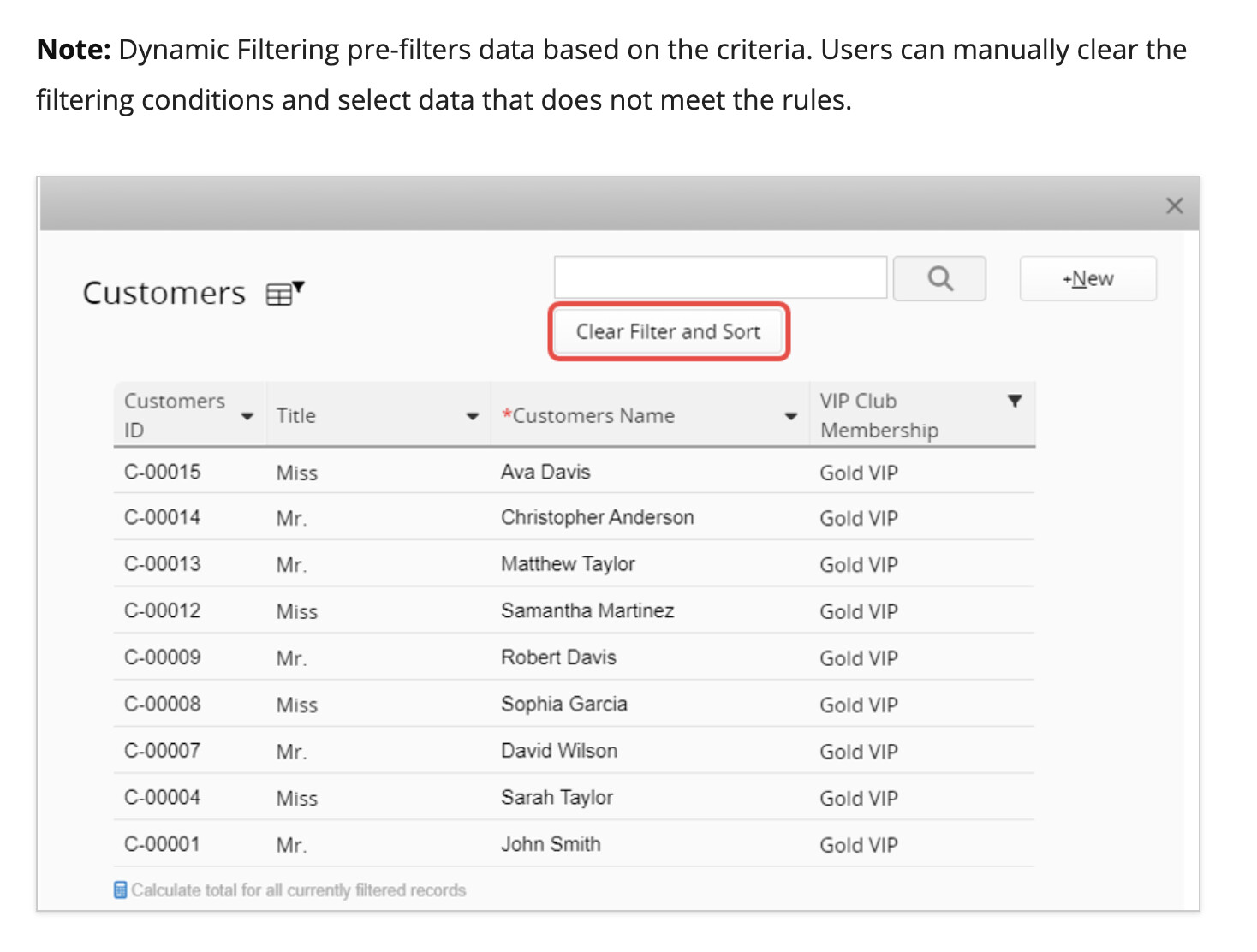
Note: Dynamic filtering works as a default filter. After users click into the link field to view options, they can still clear the filter manually from the popup window.