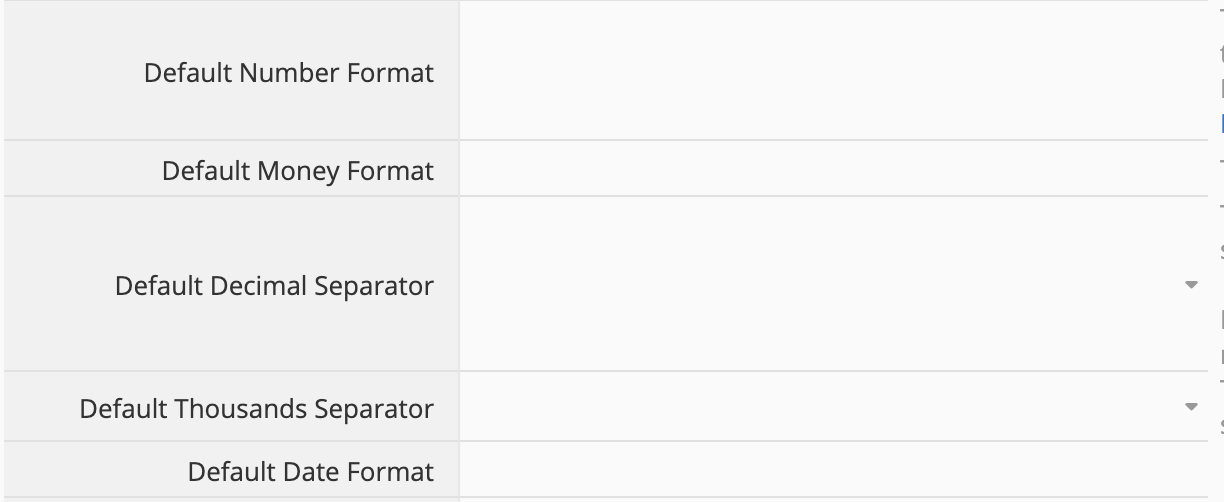
Hi - can someone explain in detail how to set the default formats in company settings? I experimented a lot but none of my inputs seem to be doing anything. Moreover, there is no feedback in the form after input so I don’t even know if I’m making mistakes. This (screenshot) is the screen that I am trying to update. I am trying to set the default currency to Indian Rupee, format to 1,00,00,00,000.00 and date to DD/MM/YY. I would like to set this as default so all new templates and forms use this format by default.
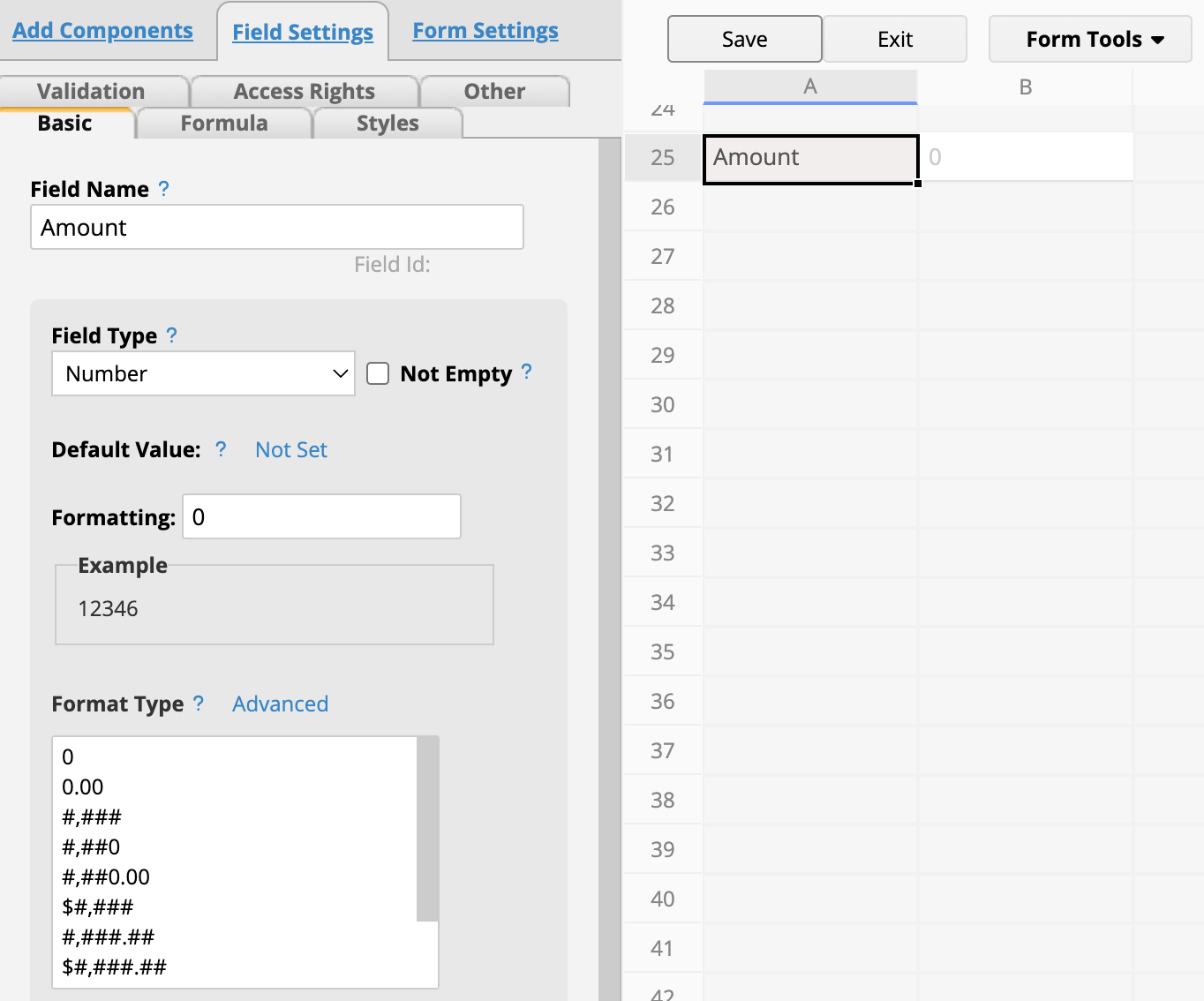
Just to clarify: the values you set in Company Settings only apply to new fields created later in design mode. For example, if you set the Default Number Format to 0, any new number field you add will follow that format:
If your new default setting isn’t showing up, try clearing your browser cache and then create a new field to test. If the issue persists, please write to us at support@ragic.com. – we’ll be happy to help!
Thank you for your reply. The functionality works, I just am not able to get it to do what I want it to do :). Could you help me understand what I need to enter in the default format, to get all new currency fields to be formatted in INR (Indian rupee) format? Eg - ₹1,00,00,000
PS- if the symbol is an issue, that’s not a problem. I can make do without any symbol (as long as it’s not the wrong symbol), but the number format is something I need.
You can refer to our Example Formatting Types for guidance. When setting up the default format, you can adjust the placement of commas to create the INR number format and even hardcode the INR symbol if needed. I recommend first trying the format on a money field. Experiment until you find the desired format, and then apply it under Company Settings.
If the generated format still doesn’t look quite right, feel free to reach out to us at support@ragic.com with the following details:
The URL to a sample record
The specific field in question
The format you’d like to achieve
We’ll be happy to take a look and help you fine-tune it!
 Have you had a chance to check out the