I have created a URL with formulas in a section. When I click on this section, a page opens. I want to turn it into a button. How do I do this?
Hi there,
Please refer to this article for instructions on how to set this up: Open a Different Page with an Action Button.
If this does not address your specific case, please provide more details regarding the “section” you mentioned. A screenshot of your current configuration would also be helpful for further troubleshooting.
On a form page, in the fields, there is a URL I created with a formula in a field of the sub-table (field id: 1004762). I want to create a button and when I click that button, it should go to that URL. The URL created in the sub-table field (field id: 1004762) changes dynamically with the data on the form page.
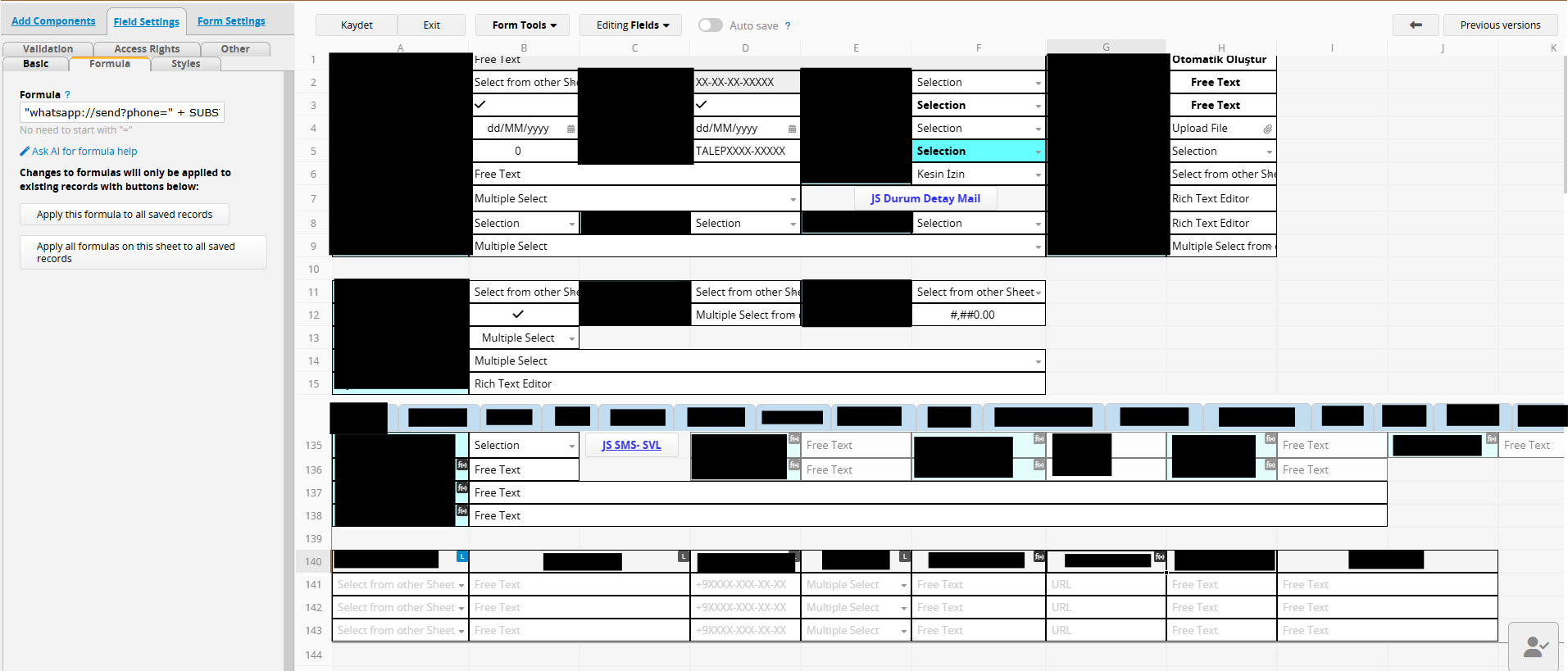
Since field 1004762 is located within a subtable, a single record may contain multiple URLs. To ensure we are aligned: are you looking to create a button for each individual row that opens the specific URL generated for that row?
If so, Ragic does not currently support Action Buttons within subtable rows, nor does it support displaying URLs as buttons in subtables. Instead, you can use the BBCode feature to create a clickable link that functions similarly.
Implementation Steps:
- Add a Free Text field to the subtable in question.
- Apply a string formula to this new field. This will concatenate the value of field 1004762 with the required BBCode syntax.
Example: If the field header for 1004762 is B10, use the following formula to display the link as “Go to URL”:
"[url=" + B10 + "]Go to URL[/url]"
This will convert the URL in B10 into a clickable hyperlink for each row, dynamically updating based on the data in that row.